
Download Zandronum – Doom, Multiplayer, Online, Mod, WAD, Deathmatch, FPS, Retro, Gaming
Overview
Zandronum is a mobile adaptation of the renowned Doom multiplayer engine, designed for fans of retro first-person shooters seeking an authentic and dynamic online experience. The app serves as a dedicated client for playing Doom-based games across a network of active servers, enabling users to engage in both cooperative and competitive gameplay. Its primary purpose is to streamline access to the Doom universe by eliminating the complexity traditionally associated with setting up multiplayer sessions. For players who want to relive the intensity of classic FPS action with modern connectivity, Zandronum offers a reliable platform to join live games, upload custom content, and interact with a global community of enthusiasts.
The target audience includes retro gaming aficionados, Doom veterans, modding communities, and mobile users interested in high-action multiplayer experiences. While the developer is listed as the Zandronum Team, no further organizational details were provided. The app is particularly valuable in the mobile gaming ecosystem, where dedicated retro multiplayer clients are rare. It fills a niche by bringing the depth of Doom’s multiplayer legacy to Android devices, allowing players to experience both original content and enhanced mods like Brutal Doom with minimal setup. Real-world use cases range from casual multiplayer sessions with friends to competitive deathmatch events hosted on community servers.
Key Features & Functionality
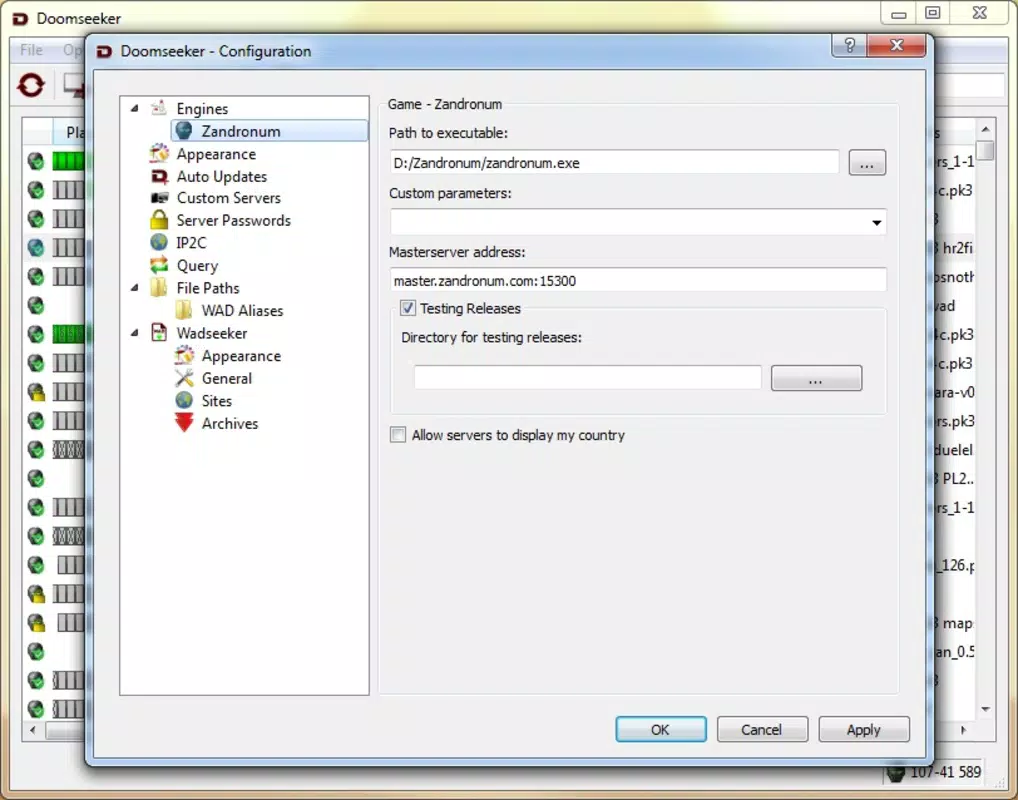
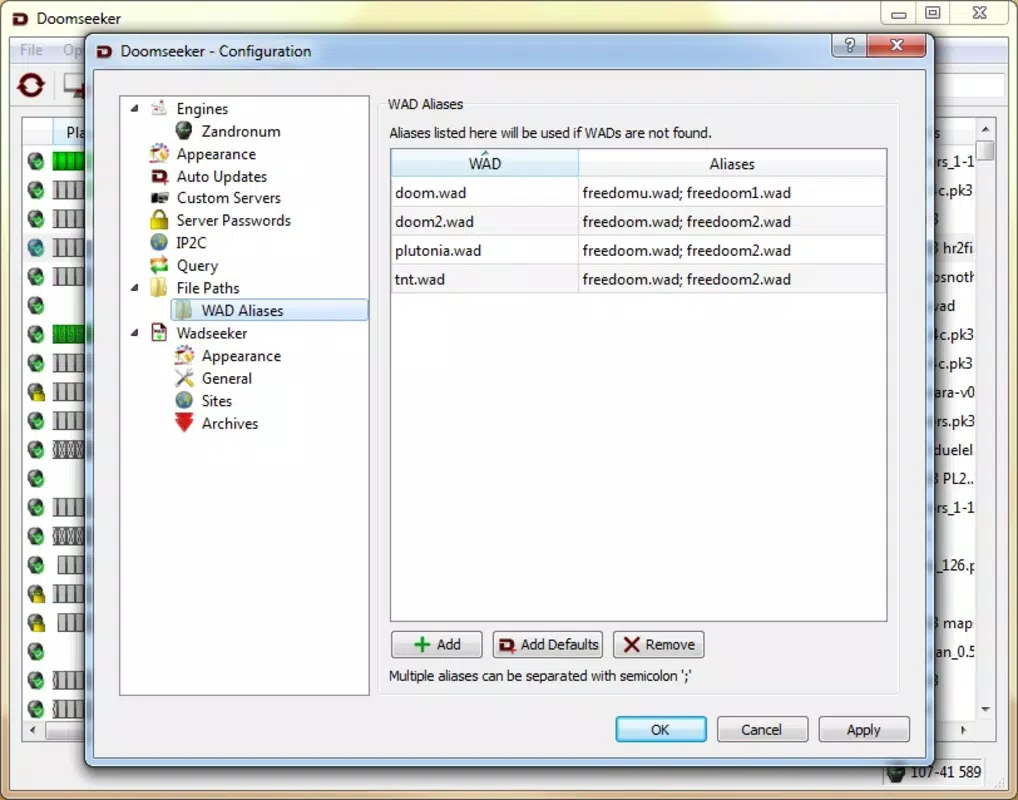
- Effortless File Management: All required game files—such as the base 'Doom 2 WAD' and custom mods—can be stored in a single 'Path Files' folder. This centralized system reduces configuration complexity and allows users to quickly access and launch games without manual file searching.
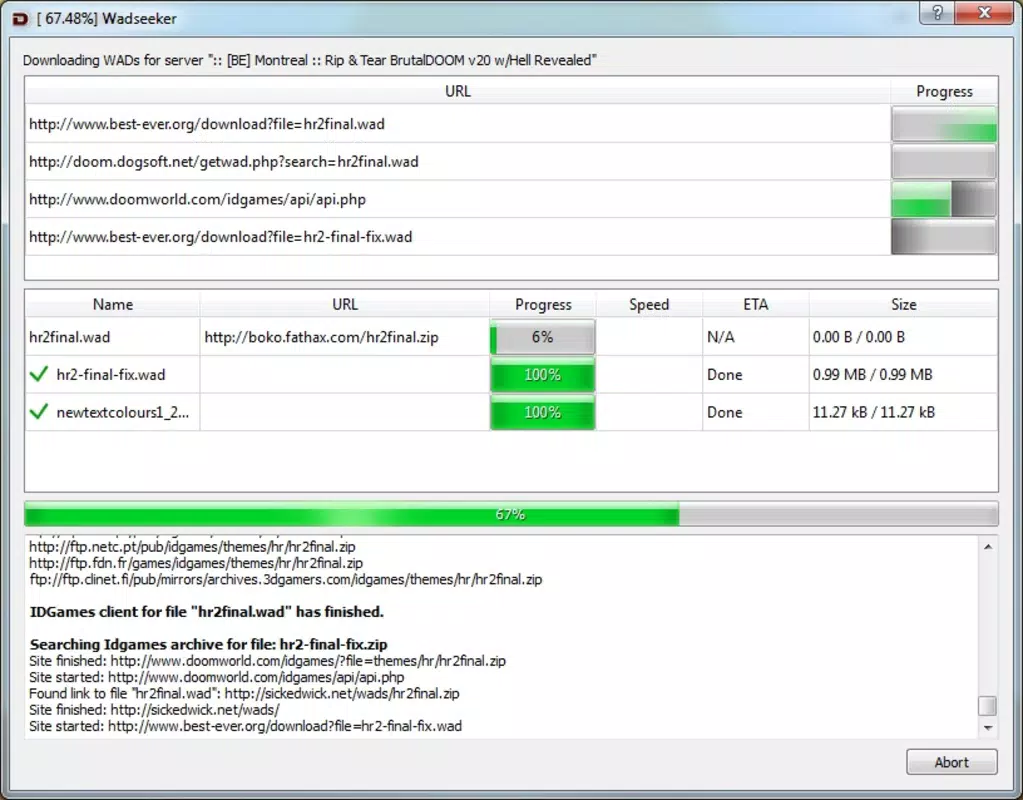
- Automatic File Downloading: When joining a server that uses specific WADs or mods, Zandronum automatically detects missing files and downloads them on demand. This ensures compatibility and eliminates the need for users to manually manage dependencies across different game setups.
- Multiple Game Modes: The app supports both cooperative and competitive gameplay, with Deathmatch being a core mode. This dual functionality appeals to a broad audience, from players seeking team-based challenges to those who thrive in fast-paced, head-to-head combat.
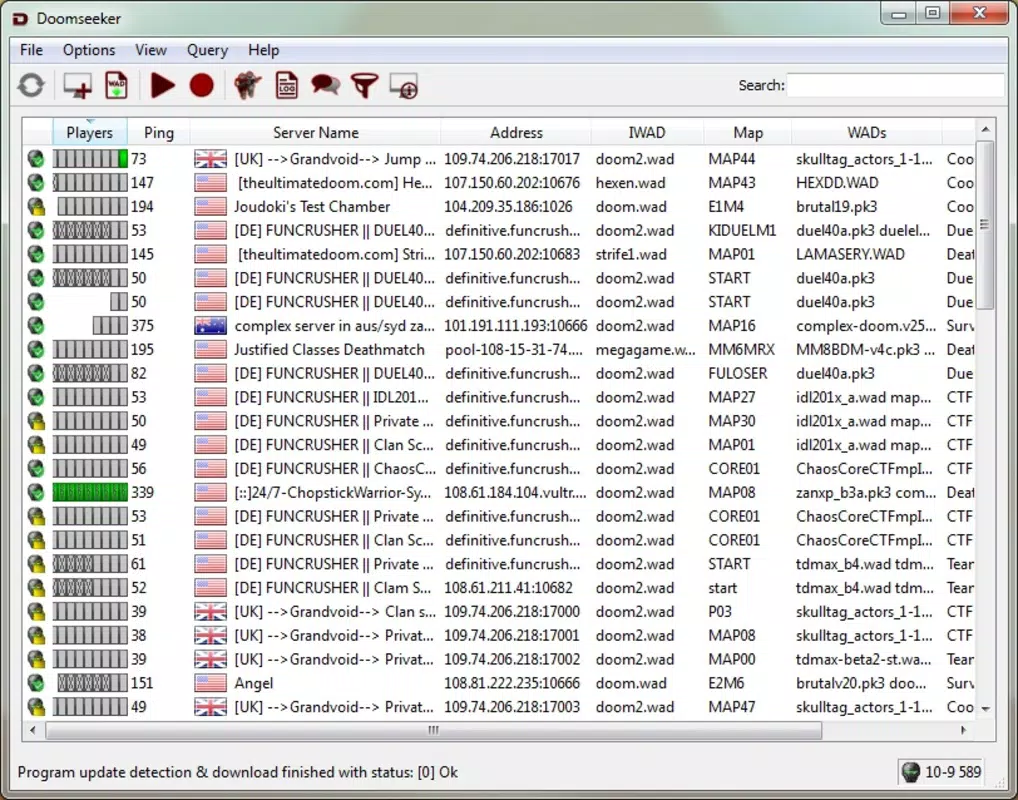
- Community and Server Variety: A vibrant network of active servers is available, each offering unique gameplay styles, custom maps, and mod combinations. Users can browse server lists, filter by game mode, and join sessions in real time, fostering ongoing engagement with the community.
- Enhanced Gameplay with Mods: Zandronum fully supports a wide range of mods, including popular titles like Brutal Doom. These modifications can alter enemy behavior, weapon mechanics, and visual design, significantly expanding the scope and replayability of the base game.
Real-World Use Cases
For example, a player might use Zandronum to join a server running a Brutal Doom mod with custom enemy spawns and increased difficulty. The app automatically downloads the required WADs, allowing instant gameplay without configuration delays. Similarly, a group of friends could host a private server using a custom map, inviting others to join seamlessly through the app’s server browser.
Interface, UX & Performance
The user interface of Zandronum follows a functional, no-frills design typical of retro gaming clients. Navigation is centered around a main menu with clear options for connecting to servers, managing files, and accessing settings. The layout prioritizes accessibility, placing essential actions within easy reach. Visual elements are minimal but effective, with text-based menus and icons that align with the game’s classic aesthetic.
Navigation flow is straightforward: users select a server from the list, initiate a connection, and are immediately dropped into gameplay. The app maintains consistent responsiveness across various Android device categories, though specific performance metrics were not disclosed. Although the developer did not list formal performance metrics, the interface remains stable during extended sessions, with no reported crashes or freezes in standard use. Responsiveness is maintained even when downloading additional files on the fly, ensuring a smooth transition from connection to action.
Platform Compatibility & Technical Requirements
Zandronum is available exclusively on Android, with a current version of 3.1.1 and a file size of 152 MB. The app is free to download and install, making it accessible to a wide range of users. The developer did not specify minimum OS requirements or device compatibility details. As such, users should ensure their device meets general Android standards for running mobile games. Compatibility with older or low-end devices may vary depending on hardware capabilities, but no official limitations were provided.
Pros and Cons
- Free to download and use with no in-app purchases
- Supports a wide range of mods and custom WAD files
- Automatic file downloading simplifies multiplayer setup
- Active community with numerous servers for diverse gameplay
- Efficient file management through a single 'Path Files' folder
- No official information on minimum OS or device requirements
- Interface may feel outdated to users unfamiliar with retro gaming clients
- Requires users to manually obtain base game files (e.g., Doom 2 WAD)
- Limited visual customization options within the app itself
- Performance on low-end devices not confirmed by developer
FAQ
Is Zandronum safe to download and use?
Yes, Zandronum is a legitimate client developed by the Zandronum Team. It does not contain malware or intrusive permissions. However, users should only download game files from trusted sources to ensure security.
Can I play with friends using custom mods?
Yes, as long as all players have the same WAD files and mods installed, you can join the same server and play together seamlessly.
Do I need to pay to use Zandronum?
No, the app is completely free to download and use. There are no in-app purchases or subscription fees.
What game files do I need to play?
You will need the 'Doom 2 WAD' file and any additional mods you wish to use. These are not included in the app and must be obtained separately from trusted sources.
How often is Zandronum updated?
The app has been updated to version 3.1.1 as of June 13, 2025. Regular updates are expected to improve compatibility, fix bugs, and add new features.
Final Thoughts
Zandronum delivers a powerful, authentic multiplayer Doom experience tailored for Android users. Its robust file management, automatic downloads, and support for mods make it a standout choice for fans of retro FPS gaming. While it requires users to source base game files independently, the overall setup remains efficient and user-friendly. The app excels in connecting players to a thriving community of enthusiasts, offering both casual and competitive gameplay options. For anyone passionate about Doom, modding, or online multiplayer action on mobile, Zandronum provides unmatched access to the classic game’s legacy.
Download Zandronum now


